Safety Tool Admin
Create and Modify Safety Checklists
Written By Patrick
Last updated Almost 2 years ago
Company Admin Permissions Required
Add or Edit Checklist Items
Select the Company Tool Setting Gear
Click the Tool Categories Tab
Choose the Checklist Items within the Safety category
Response Type - This is the form that will appear after Safe or At Risk is selected.
Add Group - This will collect checklist items. Ex - All Fall Protection Checklist Items are in a group called Fall Protection.
Upload a .csv file or Type checklist items.
Good to Know
Groups do not show when someone is searching for a checklist item, so use name accordingly. EX - “Fall Protection Other” and not “Other”
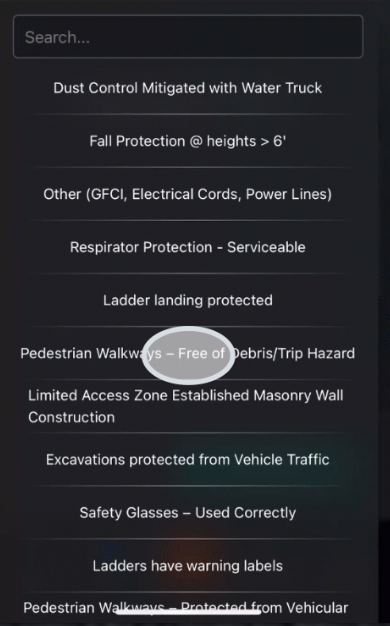
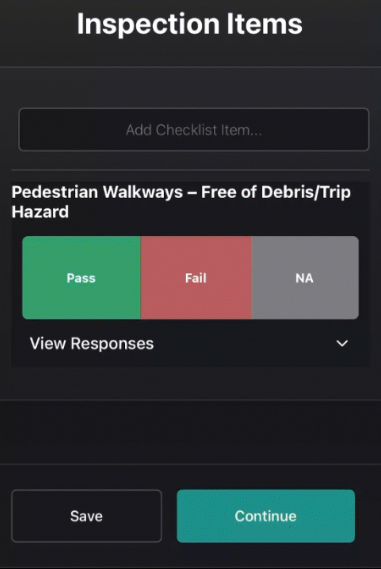
A little background, this is the source of all the items under Safety Checklist Items. That means whenever the source of an Observation is looked up, a Checklist Item is added to a Safety Walk, or a Safety Checklist is grouped together, it all comes from what is created here.
Was this helpful?
Still need help? Ask the team